Zapping
Next or previous channel without leaving the player — channel up and down on a Samsung or LG remote, the transport bar on Apple TV, a flick on iPhone, arrow keys on Mac. Wraps your lineup and skips the on-demand clutter.
Zapline plays the M3U, M3U8 and Xtream Codes playlists you already have, on your Samsung or LG TV, iPhone, iPad, Apple TV and Mac.
No channels included. Zapline plays the playlist you bring.
Next or previous channel without leaving the player — channel up and down on a Samsung or LG remote, the transport bar on Apple TV, a flick on iPhone, arrow keys on Mac. Wraps your lineup and skips the on-demand clutter.
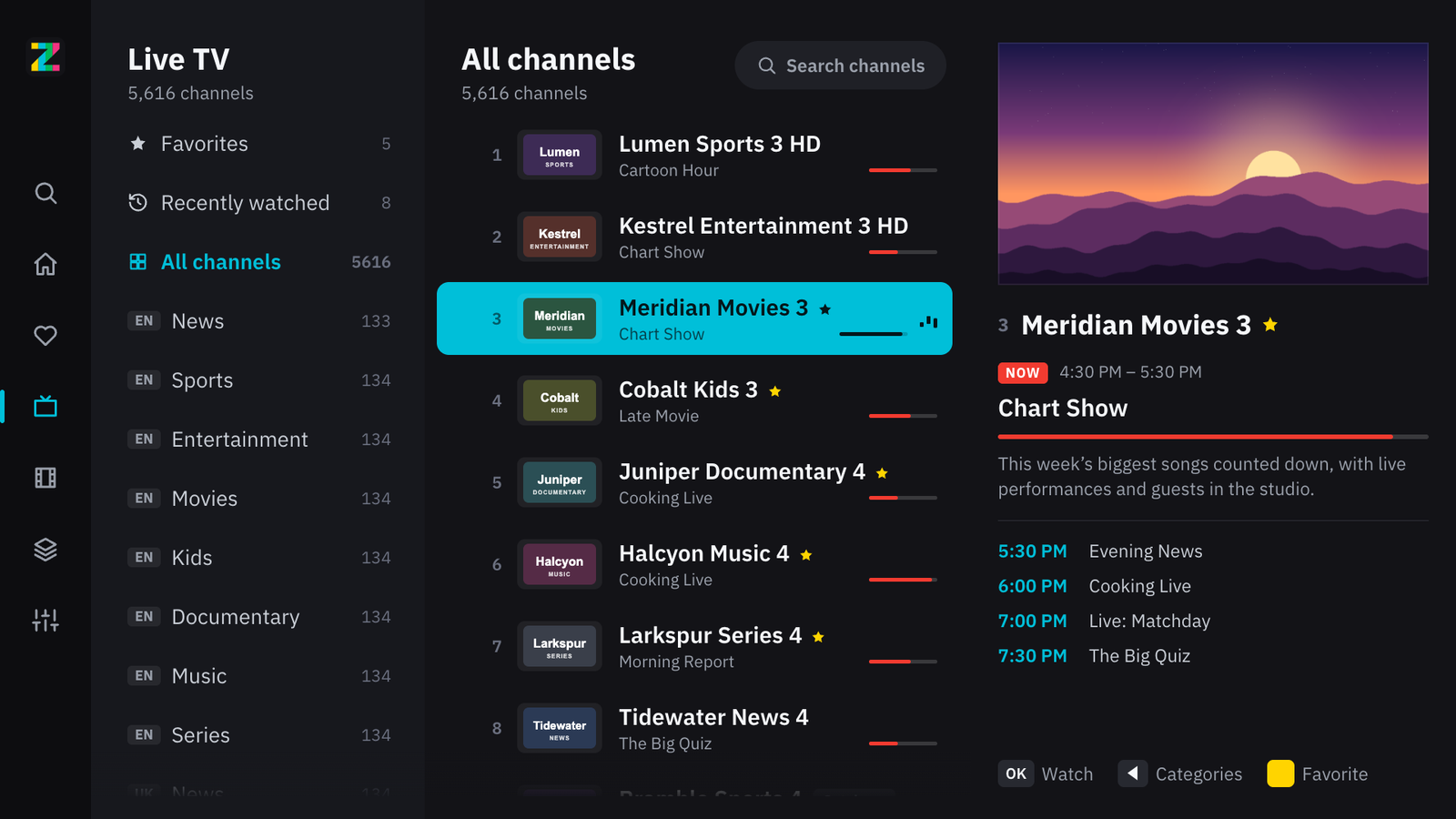
On-now and up-next on every channel, a now-playing banner in the player, and guide data that refreshes itself. On a TV, the channel you rest on plays in a preview window beside it.
Aired an hour ago, or three days? On Apple devices, replay it straight from the guide wherever your provider keeps an archive — Xtream, Flussonic and the standard catch-up tags are all understood.
Poster grids, seasons and episodes, resume where you stopped, autoplay the next episode, and the same title in your other languages when your playlist has it.
M3U links, local files or an Xtream Codes login — on a TV, scan a code and type it on your phone instead. Several playlists, instant launch even with enormous lineups, quiet auto-updates.
A PIN keeps groups out of browsing, search, favourites and the guide until you unlock them. On TVs, adult categories start hidden.
Streams that stutter or refuse to open elsewhere just play, and if one drops it reconnects on its own. Subtitles and audio tracks and picture shape are a button away, plus Picture in Picture and AirPlay on Apple devices.
No accounts, no ads, no analytics. Your playlists, favourites and history stay on your device, and the player only talks to servers you configured. A playlist sent from your phone to a TV is end-to-end encrypted and deleted within minutes.
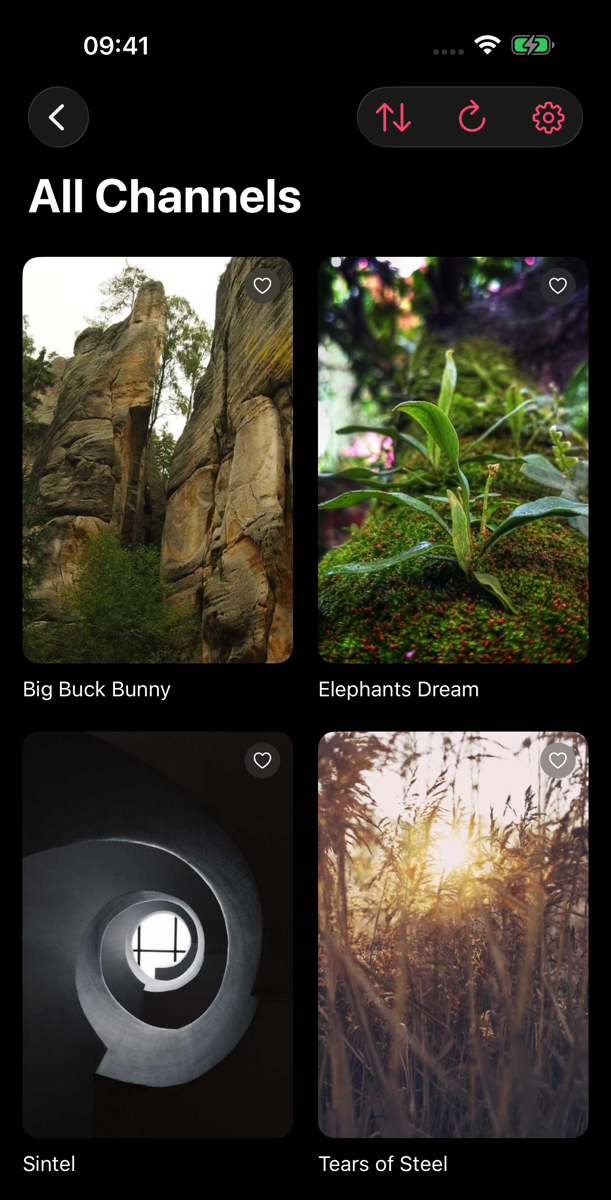
An M3U or M3U8 file is a plain-text list of stream addresses, usually supplied by an IPTV provider. Zapline reads that list and turns it into a browsable library — it does not include or provide any playlists itself.
No. Zapline ships with no channels and no content whatsoever. It only plays playlists you already have and add yourself, and you are responsible for having the right to watch them.
Yes. Sign in with your server address, username and password and Zapline loads the live channels, movies and series, plus the account's guide. Credentials are kept in the Keychain on Apple devices and encrypted on Samsung and LG TVs, never in plain text.
Yes. Zapline has its own apps for Samsung Smart TVs and LG TVs from 2018 onwards, coming to both TV app stores. Scan a code with your phone to add your playlist instead of typing it with the remote, then browse live TV with a preview and the guide alongside, and watch movies and series with resume and subtitles.
Yes. Zapline is a native app for Apple TV (tvOS 17+) with a focus-driven interface, channel controls on the Siri Remote transport bar, and your favourites on the home-screen Top Shelf. It also runs on iPhone, iPad and Mac.
Not yet. An Android version is in the works; the Samsung, LG and Apple apps come first.
If your provider records past programmes, Zapline on iPhone, iPad, Apple TV and Mac lets you replay them straight from the guide. It understands the standard catch-up tags, Xtream archives and Flussonic servers.
Yes. There are no accounts, no ads and no analytics. Your playlists, favourites and watch history stay on your device, and the app only connects to servers you configure. If you send a playlist from your phone to a TV, it travels end-to-end encrypted and is deleted within ten minutes.
Add your playlist from your phone, then live TV with a preview and guide, movies and series.
The same on webOS, with the Magic Remote pointer and wheel as well as the arrow keys.
Bring your own M3U or M3U8 playlist — and the four reasons a list refuses to load.
Server, username, password on Mac — guide, VOD and catch-up when your panel offers them.
The same login style on iPhone and iPad, plus what Xtream gives you that a plain M3U does not.
How the IPTV guide format works, and how Zapline turns it into on-now, up-next and a timeline.
Replay past programmes from the guide when your provider keeps an archive.
An empty EPG is nearly always mismatched channel IDs. How to tell, and what to ask your provider.